Signature Assets

Maps

Maps are a clear, visual way to present geographical data. The abstracted style is distinctly Morningstar, while the map itself may represent markets or countries, with shading and color conveying performance or value at a glance.
Variants

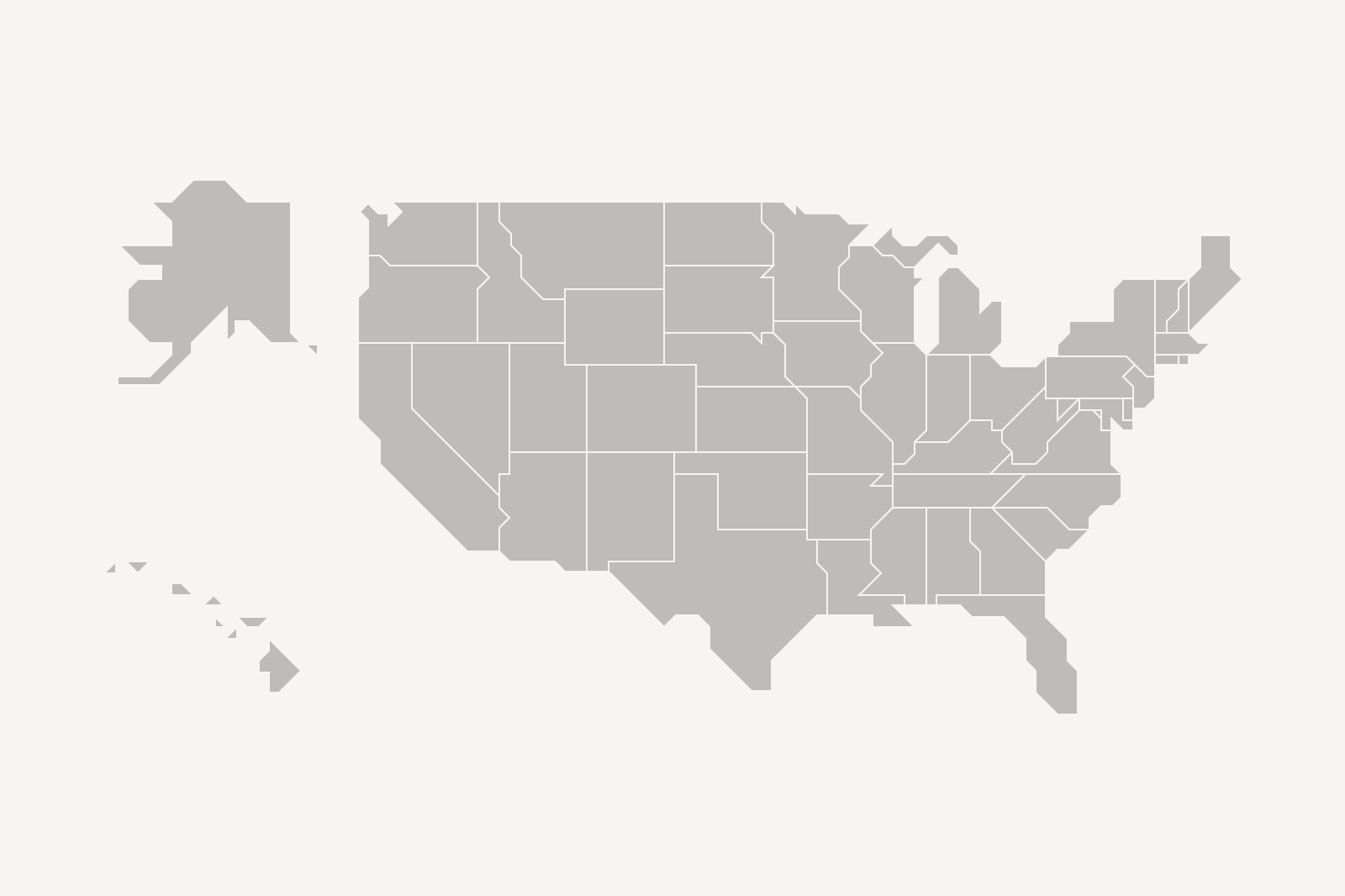
US map showing the contiguous 48 states and Hawaii and Alaska.
The US variant features the contiguous 48 states and Hawaii and Alaska.
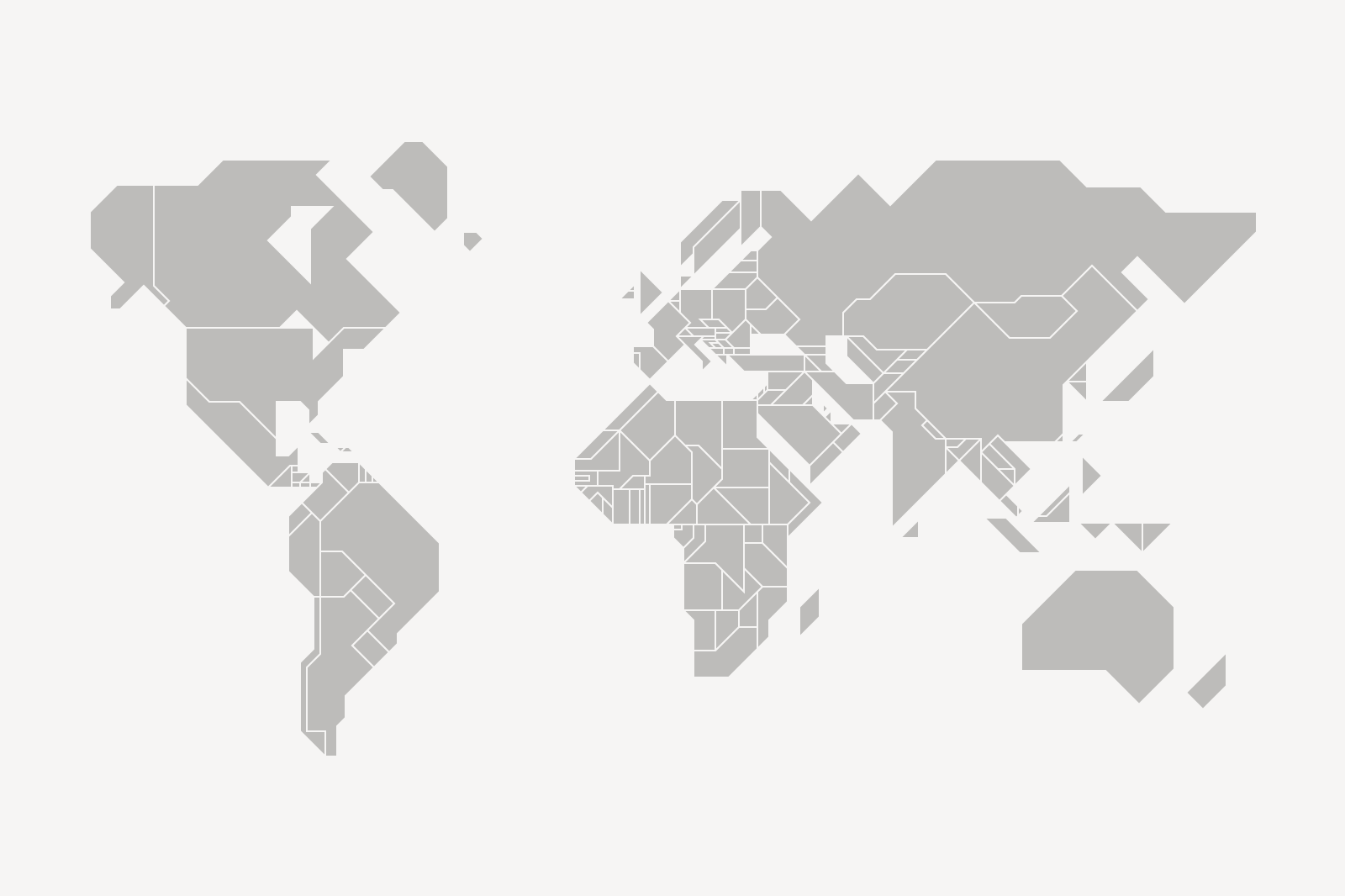
World map showing all countries.
The world map captures a specific moment and may change over time. Always check that you’re using the latest version of the map, and redraw it if necessary.

Construction

Stroke with square end point.

Strokes terminate with square end points.
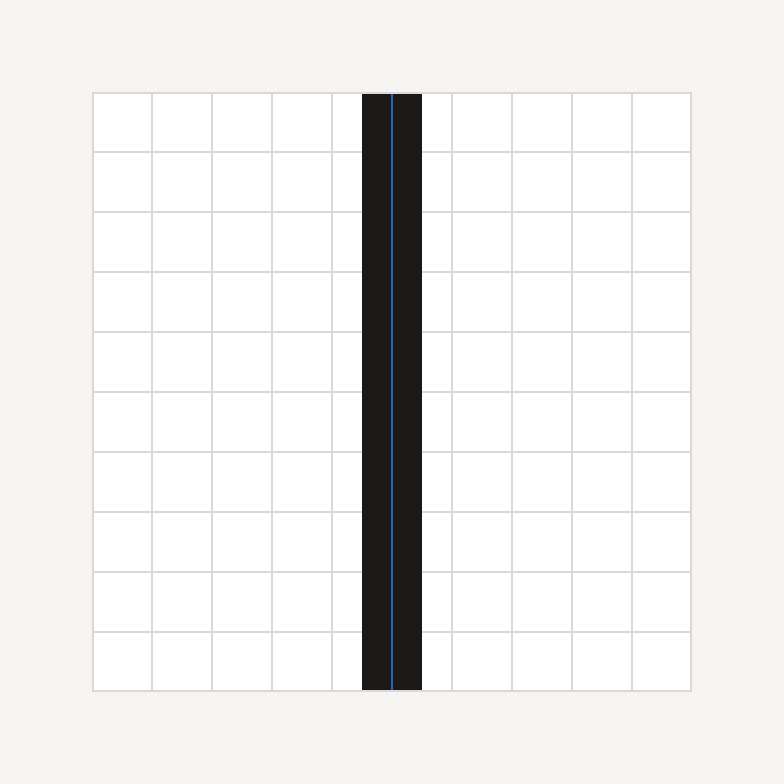
Stroke aligned to pixel grid.

Strokes and vertices align to the pixel grid.
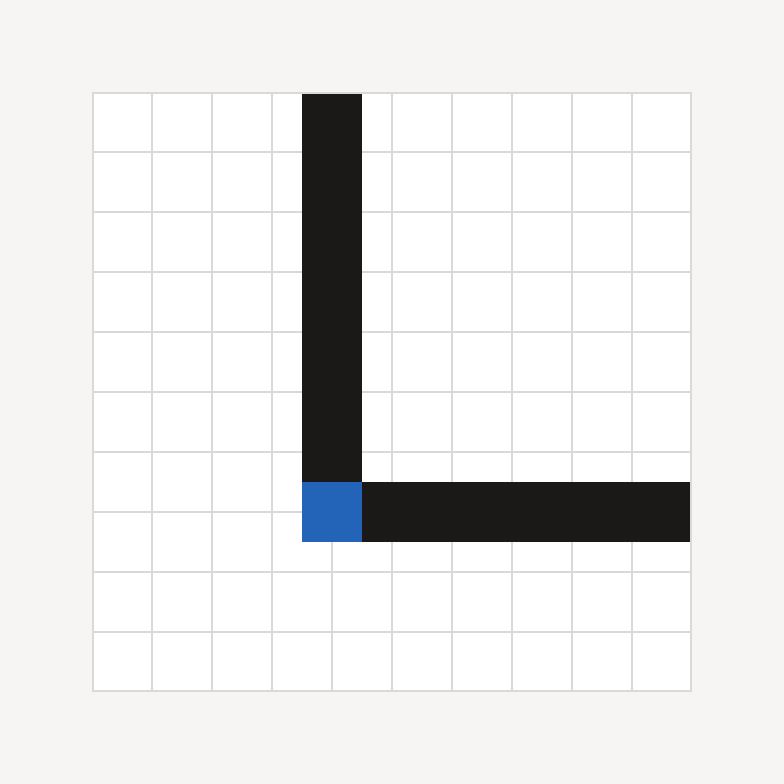
Stroke with miter join corner.

Corners feature miter joins.

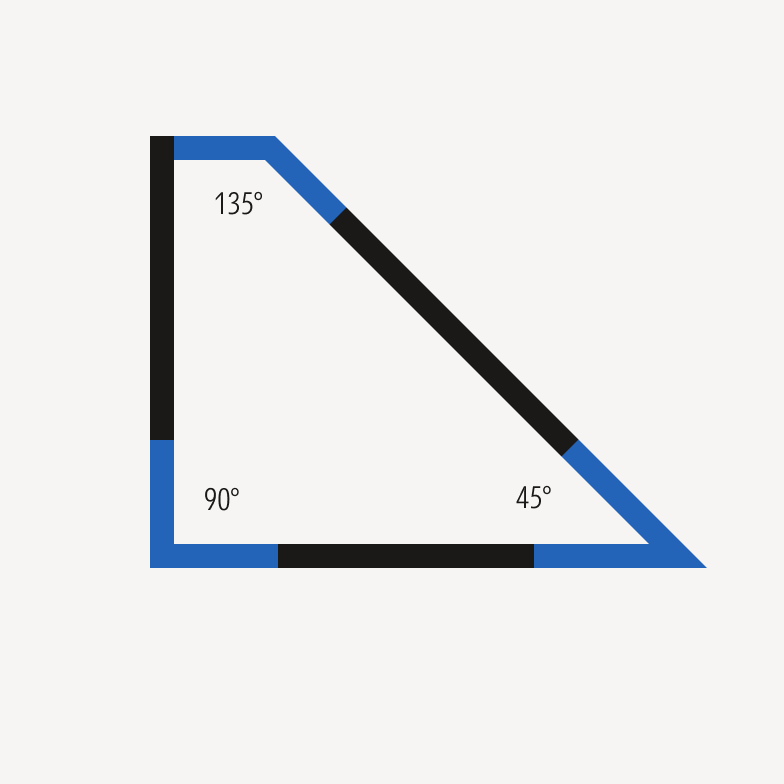
Shape drawn with 45-, 90-, and 135-degree angles.

Corners are drawn at 45-, 90-, or 135-degree angles only.

Sizing

Generally, don’t resize a map or any portion of it to less than 25% of the original size. Resizing may move strokes or vertices off the pixel grid or render some shapes too small to read.
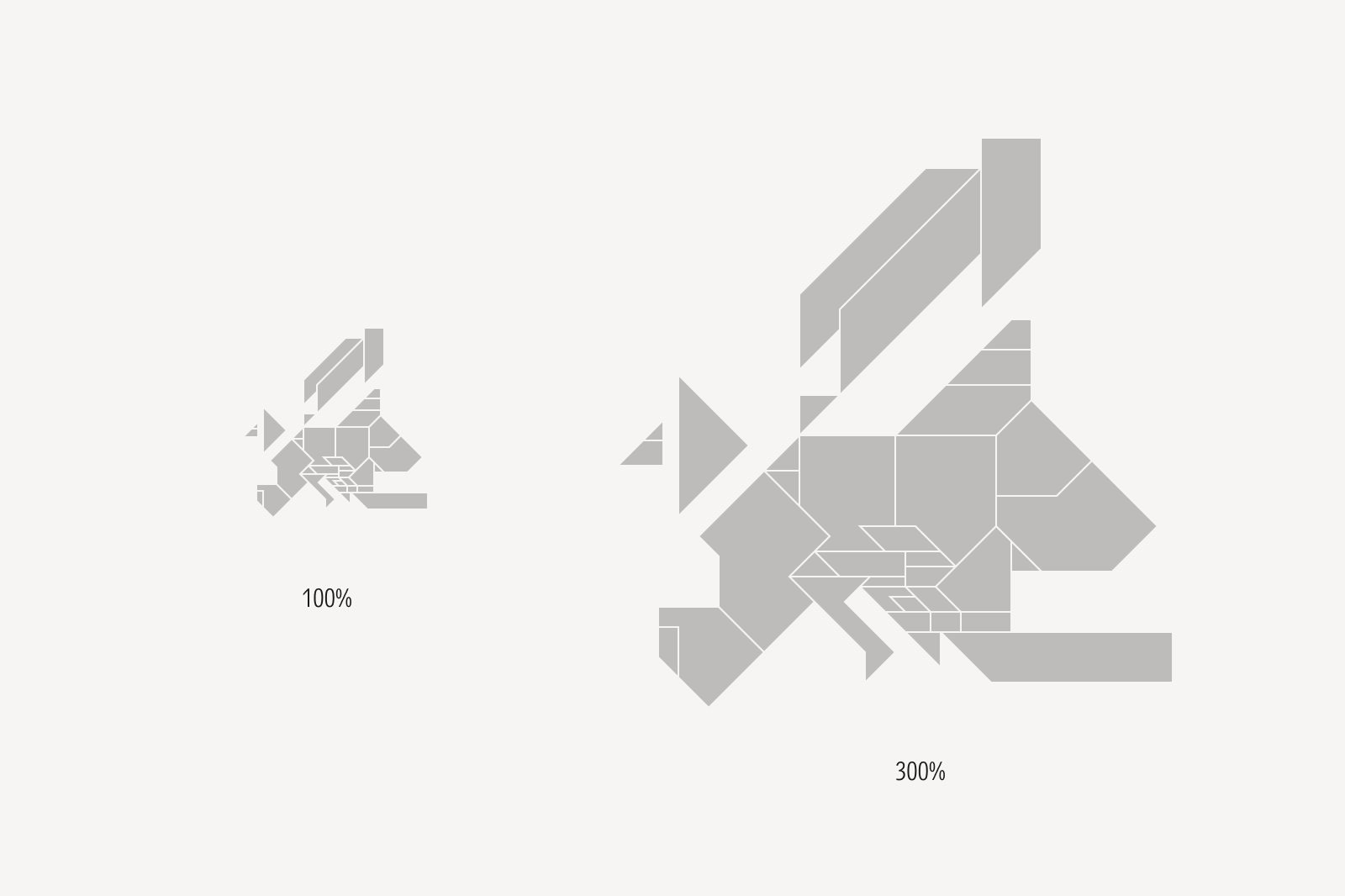
Europe map shown at two sizes but with the same stroke weight.
Maps should be proportionally scaled, but its outline stroke should always be set to a 1 px stroke weight.

Color

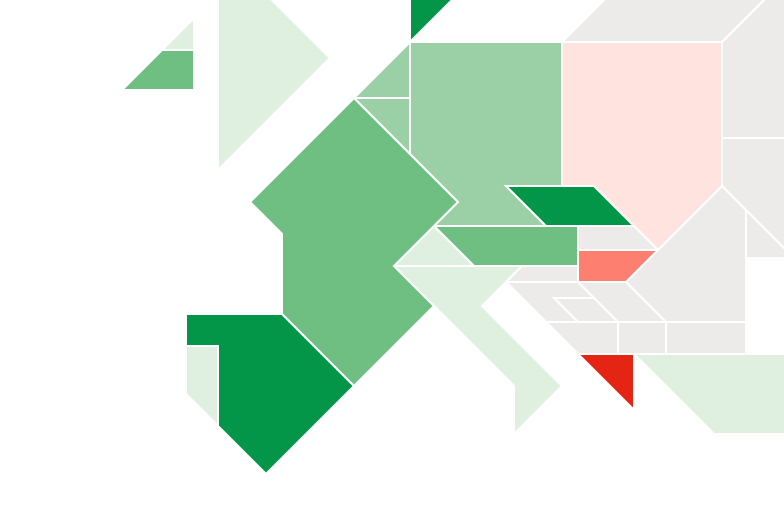
Use color to denote meaning, performance, or physical presence, such as an office. Use tints and shades to denote degrees of performance or value.

Europe map shown with countries in various shades of green and red.

Market performance is typically represented by greens and reds.
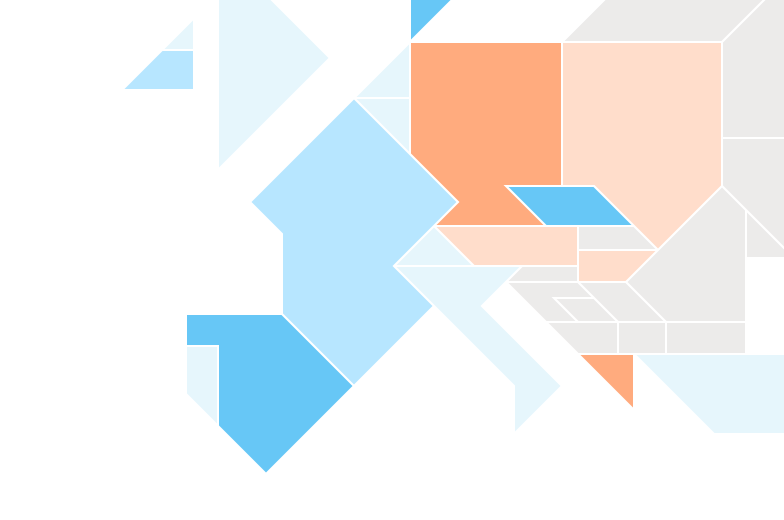
Europe map shown with countries in various shades of cyan and orange.

Other metrics, like relative value, may be represented by custom colors.

Europe map shown with countries with gray fills and white outlines on a white background.

Do set the stroke outlines and background to the same color.
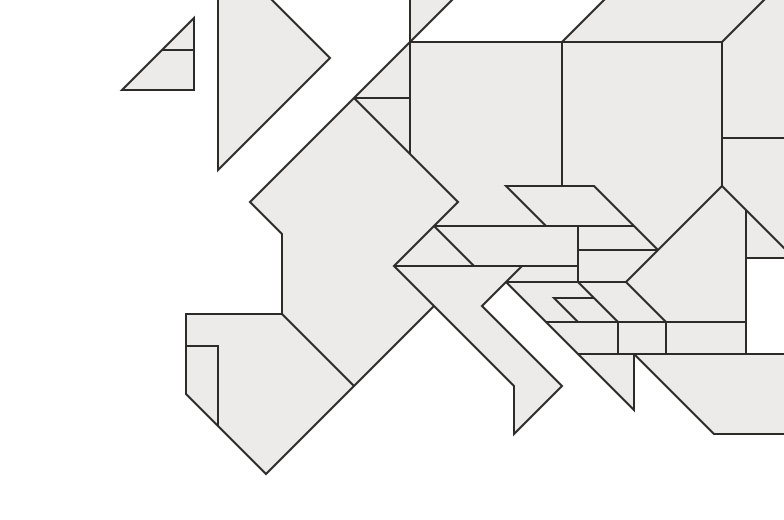
Europe map shown with countries with gray fills and black outlines on a white background.

Avoid accentuating outlines by using a color different from the background.

Tips

Europe map shown with a gray fill and no outlines to distinguish countries or territories.

Do combine individual countries or territories to create larger regions.

Europe map shown with countries with gray fills and light gray outlines on a light gray background with an enlarged France in green and a drop shadow.

Avoid applying drop shadows or other decorative effects to bring visual interest to the map.

Resources

The US and world maps are available in the Foundations Figma library and for download.